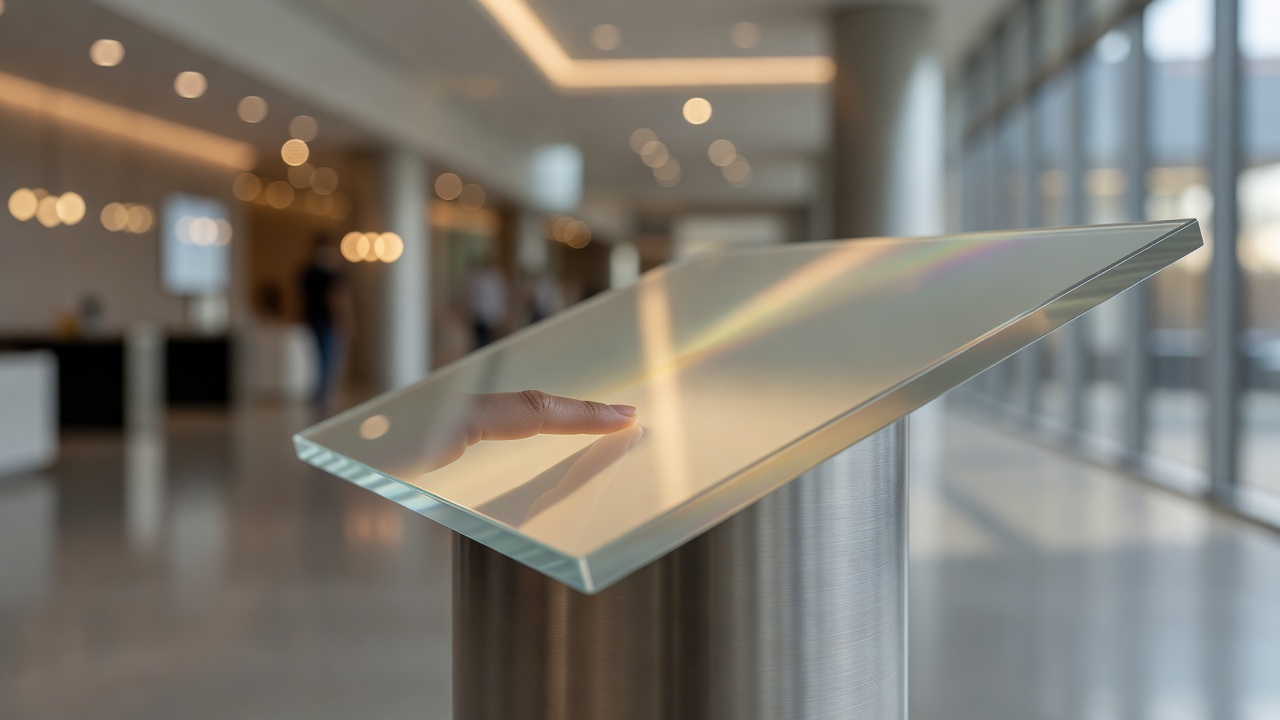
The decision to add touch capability to a screen is one of the more consequential choices in a display deployment — and one of the most commonly made on instinct rather than evidence. The reflexive assumption is that touch equals better. Field experience says otherwise. Whether interactivity helps or hurts depends almost entirely on context: who is using the screen, for how long, in what environment, and with what maintenance budget.
Touch overlays — the layer of sensing technology added to a display panel — come in several forms. Projected capacitive (PCAP) is the dominant technology in most commercial-grade deployments today, because it offers high sensitivity, supports multi-touch, and reads well through glass. Infrared grids, which rely on broken light beams rather than surface contact, are still common on larger format screens where PCAP becomes expensive. Each technology carries different tradeoffs in sensitivity, durability, and response to environmental interference.
The strongest case for touch is when users need to navigate or make a selection. Directory kiosks, wayfinding stations, self-service ordering points, and interactive product explorers all benefit because the task demands input. In these contexts, the screen is not broadcasting information — it is participating in a transaction. Passive display would defeat the purpose entirely.
The case against touch is just as real, and it gets underweighted at the planning stage. The first issue is wear. A touch-enabled display installed in a high-traffic environment will be pressed thousands of times per day. The overlay itself has a finite lifespan under that volume of contact. Corner-mounted and edge-heavy interactions — things like scroll gestures dragged from the bezel — tend to stress the overlay unevenly. Replacements are not trivial to source or install on fixed-mount enclosures.
The second issue is hygiene. A touchscreen in a shared public environment becomes a contact surface. In healthcare facilities, food-service environments, or anywhere hygiene concerns are elevated, that contact surface carries real operational implications. Antimicrobial coatings exist but add cost and are not permanent solutions — they degrade with cleaning chemicals and repeated touching. Some environments have shifted toward non-touch alternatives with gesture detection or proximity sensing precisely to avoid the shared-surface problem, though these technologies introduce their own latency and reliability challenges.
The third issue is unintended interaction. A touch display installed in a corridor or near a queue will be brushed, leaned against, and prodded by people who have no intention of interacting with it. PCAP overlays can be tuned for sensitivity — requiring deliberate contact rather than incidental touch — but getting that calibration right requires testing in the actual environment. A factory default sensitivity setting is rarely the right one for a lobby or a transit hub.
Viewing angle matters differently for touch screens than for passive ones. Non-touch displays can be angled optimally for the viewing audience without considering reach. Touch displays need to account for ergonomics: a screen tilted away for better ambient light control may become uncomfortable or inaccessible to reach. Height placement becomes a two-variable problem — optimal for viewing and reachable for interaction — and the two optima rarely sit at the same point.
In outdoor or semi-outdoor environments, touch adds another layer of complication. Rain, condensation, and gloved hands all affect overlay performance. PCAP is particularly susceptible to false inputs from water on the surface. Infrared systems handle wet conditions better but are vulnerable to direct sunlight interfering with the sensor grid. Any outdoor touch deployment deserves extended environmental testing before it goes live, not just a bench check indoors.
Cleaning protocols differ significantly between touch and non-touch screens. Non-touch panels can often tolerate more aggressive cleaning approaches because there is no overlay to protect. Touch overlays typically require gentler solutions to avoid degrading the anti-glare or anti-smudge coatings. In practice, maintenance crews who are not briefed on the difference will clean both screen types the same way — so the briefing needs to happen at installation, not after the first damaged overlay.
The short version: touch is the right answer when the use case genuinely requires user input. When the goal is to inform, orient, or attract attention passively, a well-placed non-touch display at proper brightness, with well-designed content, will outperform a smudged touch screen that nobody feels confident pressing. The smudge is not just an aesthetic problem — it is a signal to the next user that the screen has been heavily handled, and it suppresses engagement.
Choose touch deliberately, not by default. And when touch is the right call, budget for the maintenance that comes with it.
The range of touchscreen sensing methods — resistive, capacitive, infrared, acoustic — is covered in detail on Wikipedia, including how each behaves under gloved use, wet conditions, and stylus input.