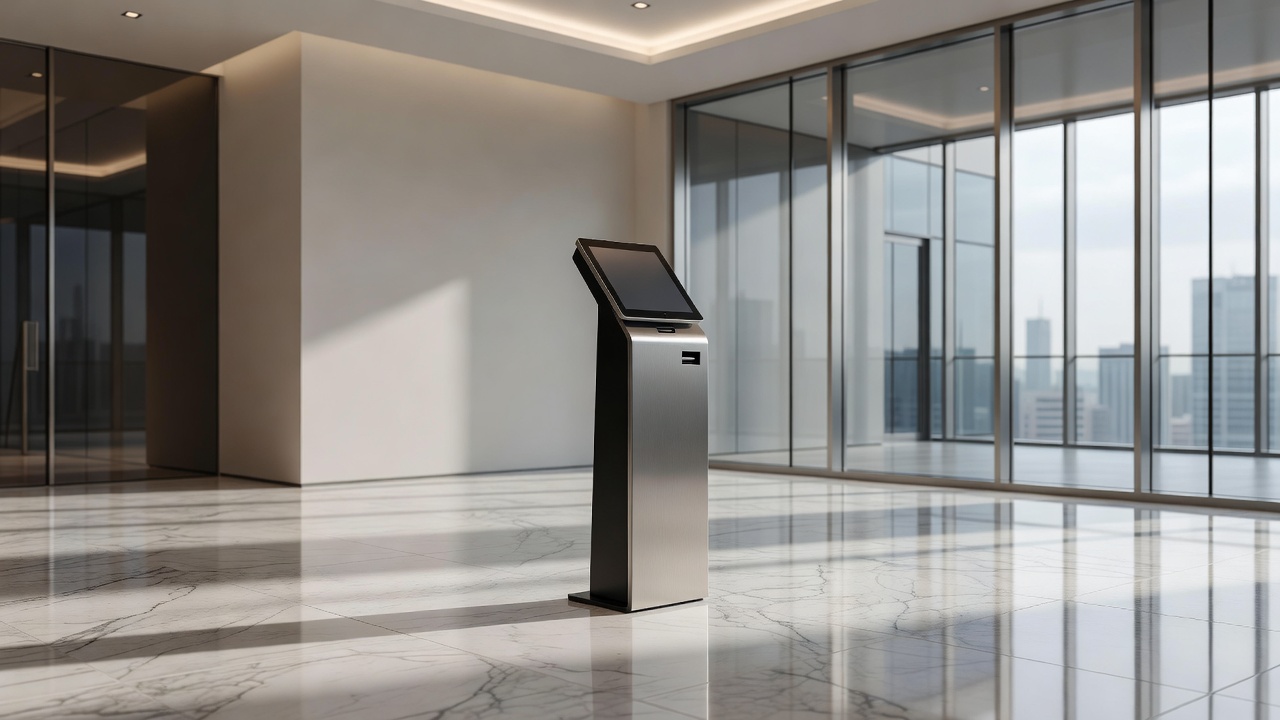
Self-service kiosks shift work from staff to the person who needs something done. That transfer sounds simple. In practice, it requires the kiosk to be reliable enough, fast enough, and clear enough that the person at the screen consistently prefers it over walking to a counter. When those conditions are met, kiosks reduce labor demand and often improve throughput. When they are not met, they create a parallel queue of frustrated people and a staff workload that is now split between serving customers and rescuing kiosk failures.
Placement determines whether a kiosk gets used before any design decision is made. A kiosk positioned where people naturally pause — at the entrance to a queue, at a decision point in a space, adjacent to where the transaction need arises — will be discovered and used. A kiosk positioned against a side wall because that is where the power outlet was convenient will be ignored by most of the people it was intended to serve. Observation of actual foot traffic patterns before siting is the most direct way to avoid this. The locations that seem obvious on a floor plan often turn out to be wrong once real movement patterns are studied.
Screen height and angle affect accessibility in ways that are easy to underestimate when specifying hardware from a catalogue. A touchscreen mounted at a comfortable height for a standing adult of average height is difficult to reach for a shorter adult, someone using a wheelchair, or a child acting without a parent. ADA compliance requirements establish minimums, but meeting the minimum is not the same as designing for the actual range of users who will approach the machine. Tilt-adjustable mounts and height-variable configurations add cost and mechanical complexity; fixed installations require a deliberate choice about which users are being prioritized, and that choice should be made explicitly rather than by default.
Touchscreen performance in public environments degrades faster than lab testing suggests. Gloves, wet hands, long fingernails, and lateral swipe gestures applied with force all interact with capacitive touch surfaces differently than the light, direct contact used in controlled testing. Screens that perform flawlessly in an office environment may register missed touches or phantom inputs in a busy food-service deployment where hands are wet or greasy. Specifying screens rated for gloved-hand operation, or opting for projected capacitive technology with appropriate sensitivity tuning, addresses most of these cases — but only if the decision is made before procurement, not after.
The interface itself is where most kiosk deployments accumulate their silent failure rate. A transaction that takes a trained operator eight seconds at a counter may take a first-time kiosk user two minutes if the flow requires navigating options they do not recognize or recovering from an error the system does not explain clearly. Abandonment — the user giving up mid-transaction and walking to the counter or leaving entirely — rarely shows up in a dashboard unless the system is specifically designed to capture it. Operators who watch real users interact with their kiosks for the first time, without coaching, consistently discover friction points that usability testing never surfaced.
Error handling is the single largest differentiator between kiosk deployments that operators trust and those they tolerate. A kiosk that fails gracefully — surfaces a clear message, preserves the transaction state where possible, and routes the person to an appropriate next step — maintains user confidence and limits staff interruption. A kiosk that shows a generic error screen, locks the interface, or silently fails without feedback destroys user trust and generates a disproportionate number of staff interventions. Error handling design is almost always under-resourced relative to primary-flow design, and the gap shows up in production.
Hardware durability in high-traffic environments requires thinking about the components that experience the most physical contact. The touchscreen surface, the card reader slot, any physical buttons, and the receipt printer mechanism are the points of highest wear. Mean time between failures for these components in a real deployment environment is often considerably lower than rated MTBF in manufacturer documentation, which is typically derived from controlled conditions. Operators running large fleets track component failure rates by location type — transit hub versus retail lobby versus healthcare waiting room — because those environments impose genuinely different mechanical stress profiles.
Remote monitoring is not optional once a network of kiosks reaches any meaningful scale. A kiosk that has been in an error state for four hours in a corner of a large venue may never be noticed by staff until a user complaint surfaces it. Monitoring systems that report player status, transaction completion rates, hardware errors, and paper or consumable levels allow operators to respond to failures before they accumulate into a service gap. The monitoring infrastructure is frequently treated as a phase-two addition and frequently never implemented, which means operators learn about failures only from complaints.
Operators building their first kiosk deployment or revisiting an existing one consistently benefit from the experience of practitioners who have worked through these failure modes already. Detailed operational knowledge of what actually breaks, what users actually do, and what choices look different in retrospect is documented in sources like detailed field notes on self-service kiosks, which covers deployment realities across a range of environments and use cases.
For a grounded overview of how the interactive kiosk as a form factor has evolved — from early ATMs to modern touchscreen enclosures — the Wikipedia entry covers the hardware taxonomy and deployment contexts we reference throughout this page.